Guide 6 min read Grafite Team
Meeting Action Items That Actually Get Done
The Action Item Graveyard
Here's a statistic that should bother anyone who runs meetings: roughly half of all meeting action items are never completed. Not because people don't care, but because the system between "agreed to do it" and "actually did it" is broken.
The typical lifecycle: someone agrees to do something during a meeting. It gets mentioned verbally. Maybe someone writes it in a shared doc. Maybe not. By the next morning, the action item is competing with fifty emails, three Slack threads, and the demands of the current day. By next week, it's forgotten entirely, until the follow-up meeting where someone asks "did we ever...?"
This isn't a people problem. It's a systems problem. And it's solvable, especially when task management connects directly to what gets decided in the room.
Why Action Items Fail
They're Too Vague
"Follow up on the proposal" is not an action item. What proposal? Follow up with whom? By what method? By when? Vague action items create the illusion of progress without providing enough specificity to actually drive it.
Compare: "Follow up on the proposal" vs. "Sarah sends the revised pricing proposal to the Acme team by end of day Friday." The second version has specificity (what), ownership (who), and a deadline (when). It's completable. The first version is a good intention.
They're Not Owned
"We should look into that" is the most dangerous phrase in meetings. Who is "we"? Action items without a single, named owner have no one accountable for their completion. Shared ownership is no ownership, when everyone is responsible, no one is.
Every action item needs exactly one owner. Not "the team." Not "someone." One name. That person may delegate or collaborate, but they're the one who's accountable for completion.
They're Not Tracked
An action item that lives only in a meeting summary, or worse, only in someone's memory, is an action item without a tracking system. It exists in the meeting's context but not in anyone's daily workflow. There's no reminder, no due date notification, no place where it shows up alongside the day's priorities.
The gap between "agreed in a meeting" and "tracked in a task system" is where most action items die.
They're Not Connected to Context
When an action item lives in a task manager with no link to the meeting where it originated, it loses its context. Two weeks later, looking at "revise the migration plan" in your task list, you can't remember what specifically needed revising or what concerns drove the revision. You need to remember the meeting, find the notes, re-read the discussion, if you even can.
Action items connected to their originating meeting retain full context. Click the task, see the meeting. Review the discussion, understand the intent. That connection is the difference between a task you can complete and a task you have to re-research (here's how meeting-linked tasks work).
How AI Changes the Game
AI meeting notes transform action item capture from a manual, error-prone process to an automatic, reliable one.
Automatic Extraction
AI listens to the entire conversation and identifies action items from natural language. "I'll send you the report by Friday" becomes an action item with an owner (the speaker), a deliverable (the report), and a deadline (Friday), extracted automatically without anyone manually writing it down. AI summaries handle the extraction; your job is to verify and refine.
This is fundamentally different from manual note-taking, where the note-taker has to recognize an action item, capture it accurately, and do all of this while simultaneously listening to the ongoing conversation.
Structured Output
AI doesn't just capture action items, it structures them. Each item has fields for the owner, the task description, and the due date (when mentioned). This structured format makes it possible to automatically create tasks in a task management system, rather than requiring someone to manually translate meeting notes into actionable tasks.
Nothing Gets Missed
Human note-takers miss action items, especially implicit ones. "Can you check on that?" said casually in minute 34 is easy to miss when you're focused on the bigger discussion. AI captures everything and surfaces all commitments, explicit and implicit.
Building a System That Works
Step 1: Capture Everything
Use AI to extract all action items from every meeting. Don't filter during capture, capture everything and prioritize afterward. The cost of capturing a non-essential item is minimal. The cost of missing a critical one is high. Meeting capture makes that automatic.
Step 2: Review and Refine Immediately
Within 60 seconds of the meeting ending, review the extracted action items. The AI is good but not perfect, verify that owners, descriptions, and deadlines are accurate. This is your quality gate.
Add specificity where needed. If the AI captured "discuss the timeline," refine it to "Marcus schedules a 30-minute call with the engineering lead to review the Q3 timeline by next Tuesday." Specific, owned, and deadlined.
Step 3: Create Tracked Tasks
Move action items from the meeting summary to your task management system, ideally automatically. If your meeting tool has built-in task management, the items flow directly from the summary to your task board. If not, create the tasks manually immediately after the meeting.
The critical principle: action items must exist in two places, the meeting summary (for context) and the task system (for tracking). The meeting summary tells you why the task exists. The task system tells you when it's due and whether it's done.
Step 4: Follow Up in the Next Meeting
Start every recurring meeting by reviewing open action items from the last meeting. This closes the loop and creates accountability. When people know that their commitments will be reviewed in the next meeting, with a written record to reference, completion rates improve dramatically.
AI makes this easy: review the previous meeting's summary, see the action items, and ask "where are we on these?" It takes 30 seconds and transforms the follow-through culture.
The Task Management Connection
The most effective workflow connects meeting action items directly to a task management system:
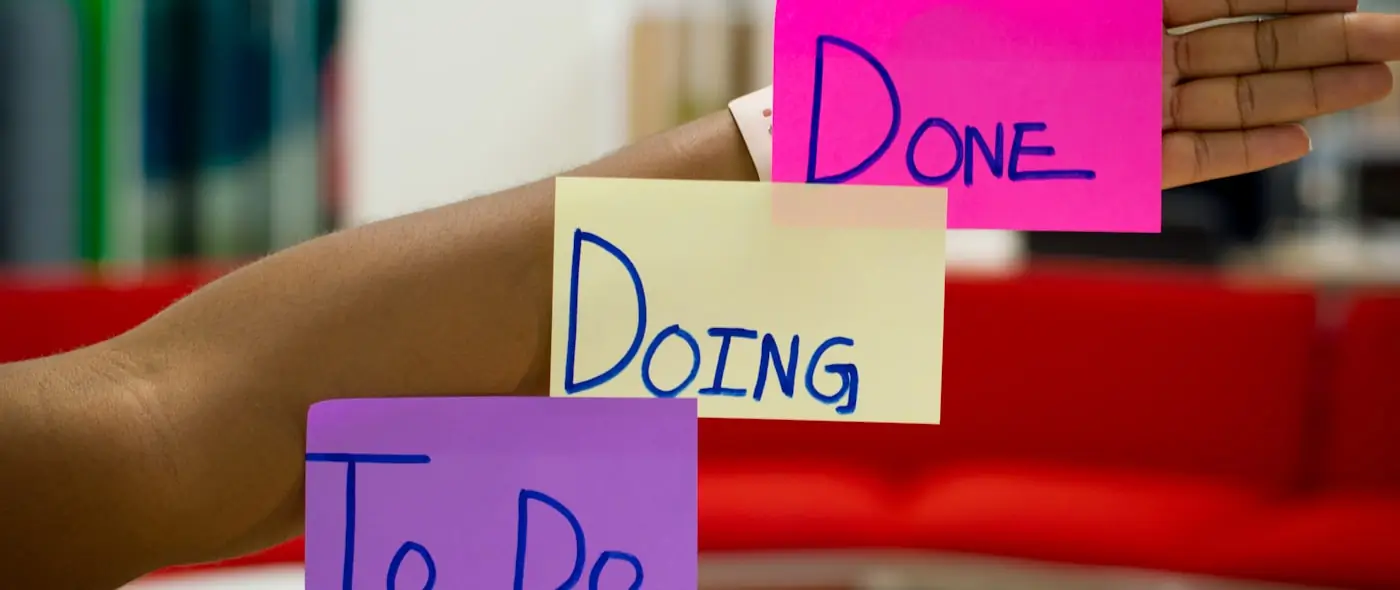
Kanban boards let you see all your meeting-generated tasks alongside your other work. Move items from "To Do" to "In Progress" to "Done" as you work through them.
Due dates from the meeting flow to the task system, generating reminders before deadlines arrive.
Meeting links on each task connect back to the originating conversation. When you need to understand the context, why this task exists, what was discussed, what the stakeholders expect, one click takes you there.
Person association connects tasks to the people who assigned or are affected by them. This is especially valuable when managing commitments across multiple stakeholders.
Making It Stick
The system only works if you use it consistently. Here's the habit stack:
- Record every meeting, action items can't be extracted from unrecorded conversations
- Review items within 60 seconds, verify and refine while context is fresh
- Create tasks immediately, don't let items sit in summaries without entering your task system
- Review open items at the start of recurring meetings, close the accountability loop
- Clear your action item queue weekly, treat meeting commitments with the same priority as any other task
Build this system with Grafite. AI-extracted action items flow directly to a built-in kanban board, linked back to their originating meetings. One tool for capture, tracking, and follow-through. Grafite Core is free forever.
Share this article